Free checklist

3D print failure troubleshooting checklist

A practical checklist for moving from failed print to likely cause without changing every slicer setting at once.

Symptom Capture

  • Photograph the failure from the side, top, and first-layer angle.
  • Write the exact symptom: stringing, warping, layer shift, clog, poor first layer, blobs, or weak extrusion.
  • Record whether the issue appears on every print, one model, one material, or one area of the bed.
  • Keep the failed part until the next successful comparison print is done.
Material And Hardware

  • Record filament brand, material, color, age, drying state, and storage method.
  • Check nozzle size, nozzle material, visible wear, and last replacement date.
  • Clean the build plate using the method recommended for that surface.
  • Inspect belt tension, pulleys, extruder gears, filament path, and obvious debris.

Slicer And Firmware

  • Save the current profile before changing flow, temperature, pressure advance, speed, or retraction.
  • Change one variable at a time and write the before and after values.
  • For Klipper issues, collect the exact error, printer.cfg context, recent changes, and relevant logs.
  • Keep material-specific profiles separate by brand, color, nozzle, and build plate.

Verification

  • Reprint the smallest test that reproduces the issue.
  • Compare before and after photos under the same lighting.
  • Run a second representative print before declaring the profile fixed.
  • Only buy parts after repeated tests point to wear, incompatibility, or a missing capability.

Small Test Model Library

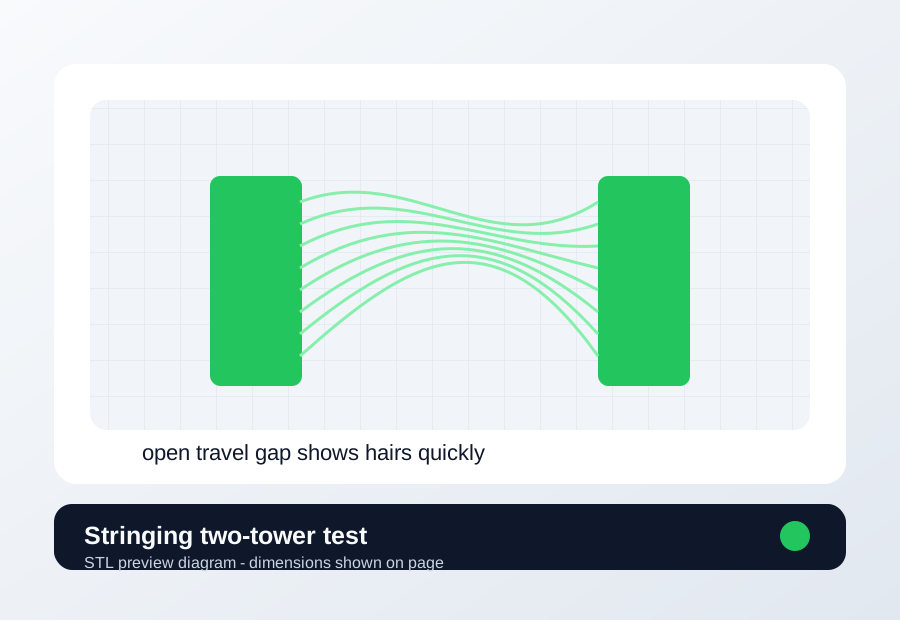
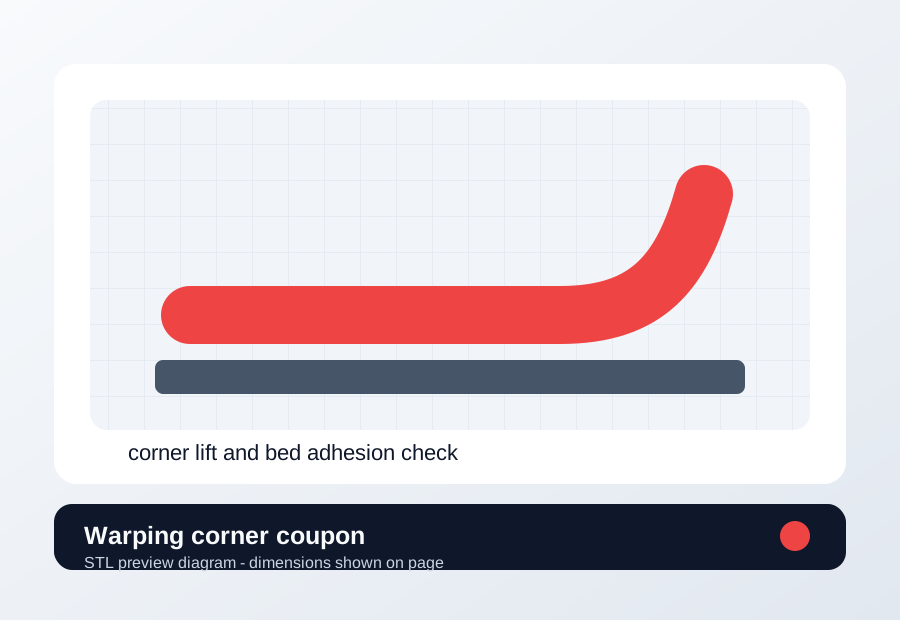
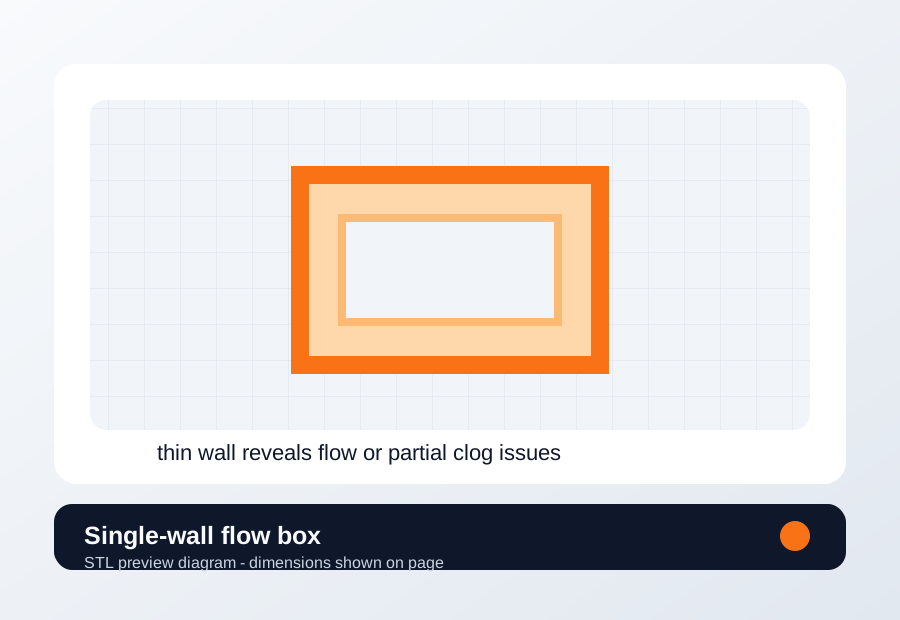
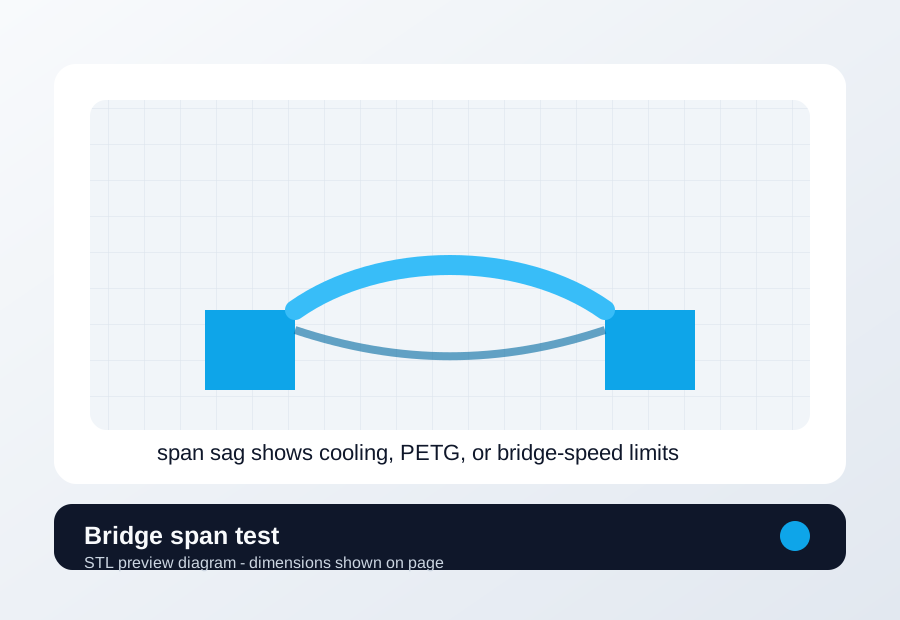
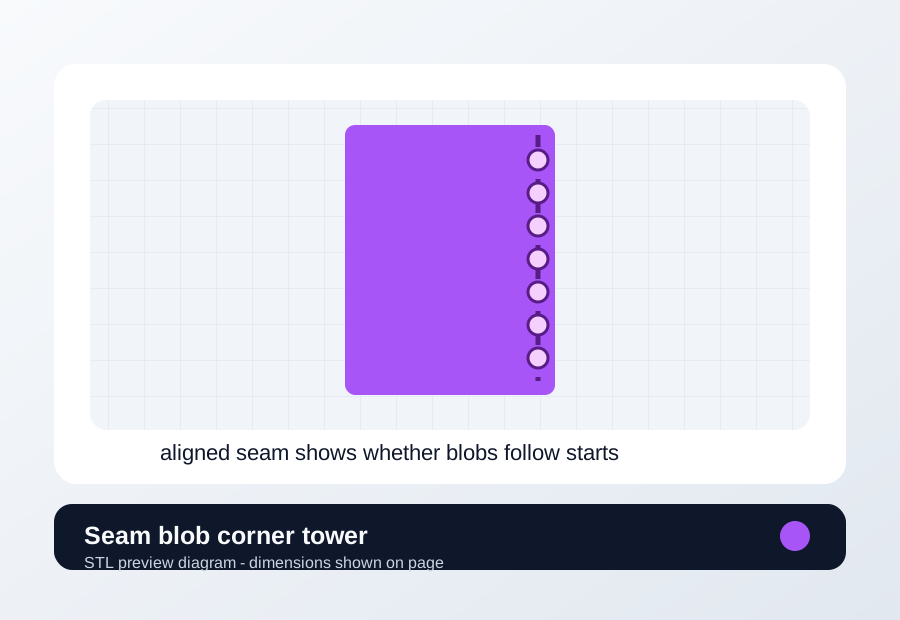
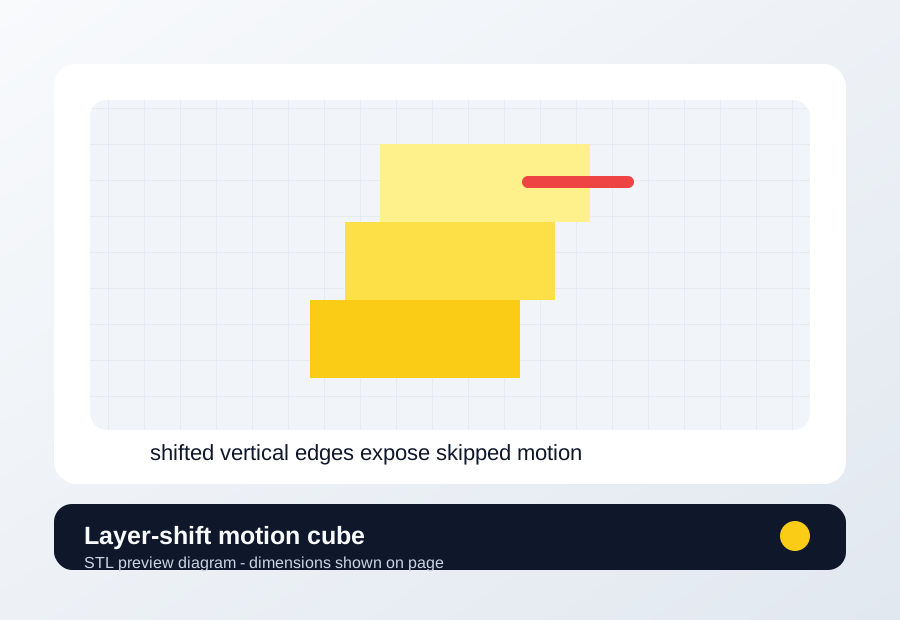
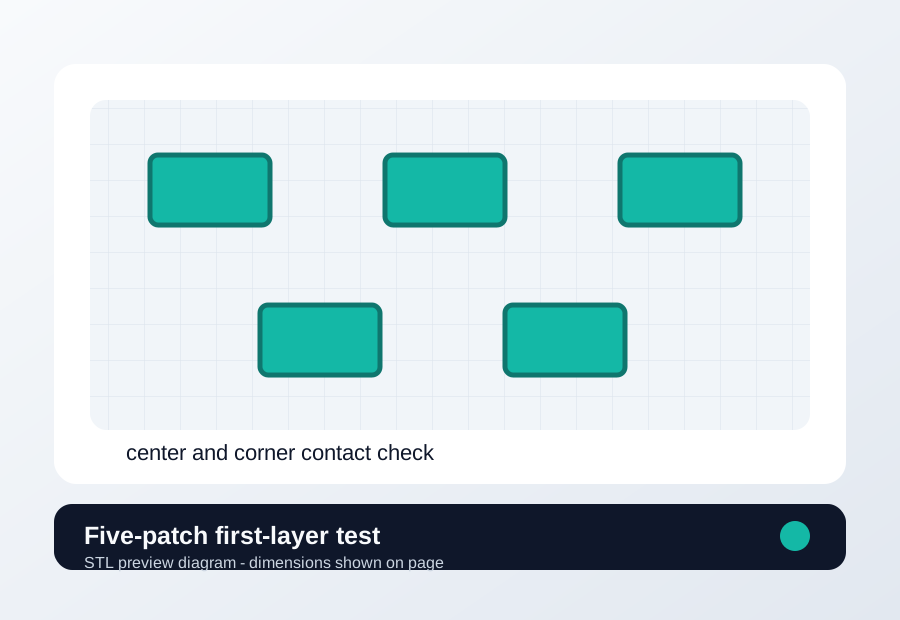
First layer five-patch test preview First layer five-patch test Use when the center looks different from the corners or Z offset is uncertain. 120 x 90 x 0.3 mm First-layer height, 0% infill, supports off, 20-30 mm/s first layer. Good: Five patches connect without scraping. Bad: All bad means Z/cleaning; one area bad means mesh or plate seating. Stringing two-tower test preview Stringing two-tower test Use before retraction edits so temperature and wet filament are not mixed together. 70 x 25 x 45 mm 0.20 mm layer, 10-15% infill, supports off, keep travel/wall speed unchanged. Good: Hairs reduce while walls stay strong. Bad: Rough fuzz means moisture; dots at starts mean seam/restart. Warping corner coupon preview Warping corner coupon Use to test plate cleaning, brim, bed temperature, and enclosure changes quickly. 70 x 70 x 4 mm 0.20 mm layer, 15-20% infill, supports off, no brim until the no-brim baseline is known. Good: Corners stay flat through cooldown. Bad: Early lift means first layer; late lift means cooling stress. Single-wall flow box preview Single-wall flow box Use after the filament path is clear to judge flow or volumetric limits. 35 x 35 x 25 mm 0.20 mm layer, 1 wall, 0% infill, supports off, normal material temperature. Good: Walls are consistent with no clicking or gaps. Bad: Thin/curled flow means path drag or partial clog before flow tuning. Bridge span test preview Bridge span test Use for cooling, PETG sag, fan range, and bridge speed checks. 80 x 25 x 20 mm 0.20 mm layer, 15% infill, supports off, keep bridge flow unchanged first. Good: Bridge strands stay mostly straight without weak layer bonding. Bad: Sag means cooling/speed; brittle strands mean temperature/fan went too far. Seam blob corner tower preview Seam blob corner tower Use aligned or rear seam to prove whether blobs follow the seam before tuning pressure behavior. 28 x 28 x 45 mm 0.20 mm layer, 10% infill, supports off, force seam to rear or aligned corner. Good: Blob follows seam placement, proving the seam branch. Bad: Random blobs point to heat, moisture, flow, or nozzle buildup. Layer-shift motion cube preview Layer-shift motion cube Use to reveal skipped motion, collision, pulley, or belt issues on a small print. 30 x 30 x 35 mm 0.20 mm layer, 15% infill, supports off, keep acceleration unchanged for baseline. Good: Same height section repeats without a side jump. Bad: Shift repeats; inspect pulleys, belts, cable drag, and acceleration.

Related Pages