Failure guide
3D Print Warping Fix
You see a corner or long edge curling off the plate. Check surface cleanliness and first-layer squish before adding brims, glue, or a new build plate.
Independent third-party notes. Verify firmware, heater, electrical, and vendor-specific work against official documentation for your exact printer.
Start here
The first layer is not holding strongly enough for the material shrink and cooling pattern.
You see a corner or long edge curling off the plate. Check surface cleanliness and first-layer squish before adding brims, glue, or a new build plate.
- Check first
- Wash the plate, verify first-layer squish, and confirm the bed reaches the material profile temperature.
- Change only this
- First-layer setup first; then bed temperature or early fan behavior if adhesion is already good.
- Verify with
- A 60 mm square or corner test that stays flat after the bed cools.
- Time
- 5 min setup
- Risk
- Low for PLA/PETG; caution for enclosed ASA/ABS.
- Needs purchase
- No, unless the plate is damaged or the material needs an enclosure.
Pick what you see
3D Print Warping mini diagnosis
Decide whether the part lifts during first-layer contact or later from cooling stress.
Corner lifts before the first layer finishes
- Likely cause
- Dirty plate or poor first-layer contact.
- First test
- Clean plate and print first-layer patch before a warp coupon.
- Change only this
- Plate cleaning or Z offset only.
- Parameter range
- Bed temperature: PLA 55-65 C, PETG 70-85 C, ASA/ABS 90-110 C
- Stop when
- First layer stays down without brim.
- Verify with
- Patch lines stick evenly at the lifted corner.
Pick the exact path
Most failed fixes go wrong when they start from the wrong branch.
Use this when the failure appears on FDM printers or the closest matching setup.
- First test
- Wash the plate and run the corner coupon.
- Change only this
- Change only cleaning or Z offset first.
- Stop when
- The repeat test clearly improves or points to a different branch.
Use this if the symptom started after a nozzle, spool, plate, slicer, firmware, or maintenance change.
- First test
- Restore the last known-good context or isolate only the recent change with one small repeat test.
- Change only this
- Undo or isolate the recent change; do not retune the whole profile.
- Stop when
- The repeat test clearly improves or points to a different branch.
Use this when the first proof test looks the same after one safe variable change.
- First test
- Repeat the same test once to rule out a bad slice or one-off print.
- Change only this
- Switch branch instead of stacking another setting.
- Stop when
- The repeat test clearly improves or points to a different branch.
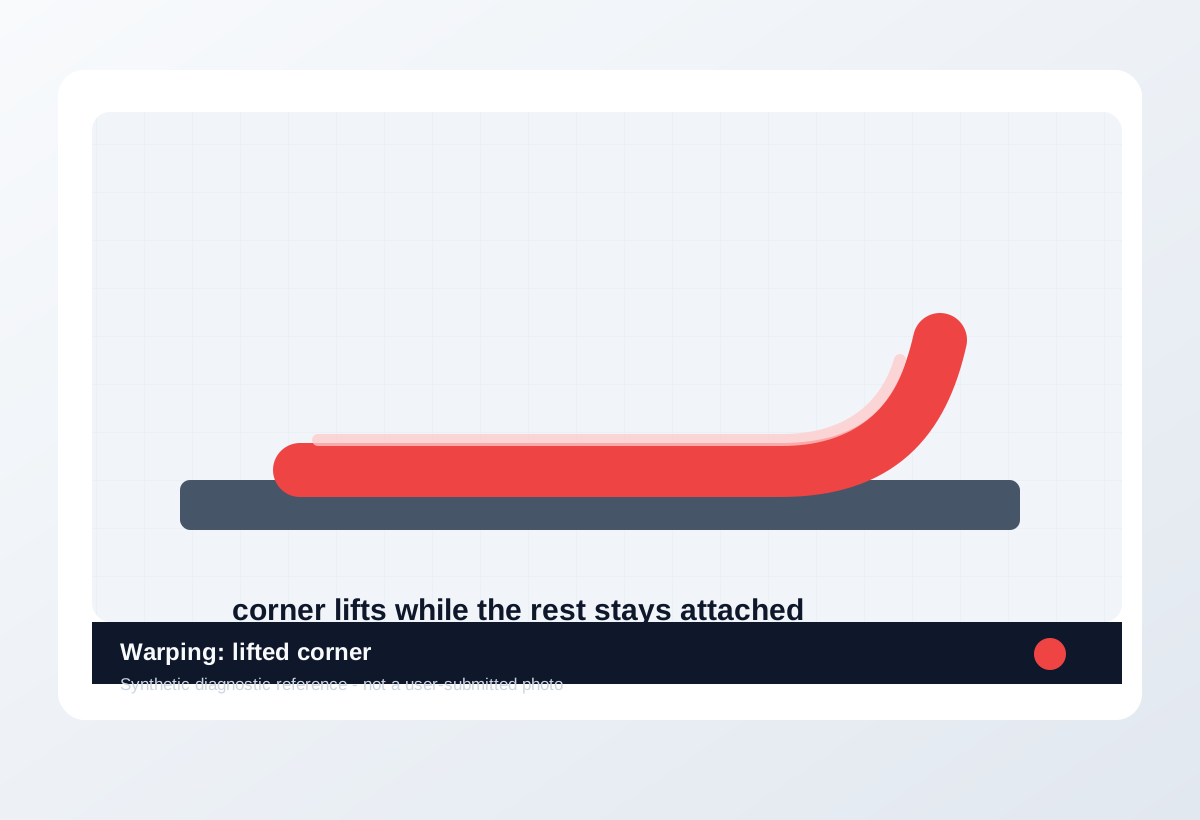
Visual diagnosis
Match the visible pattern before changing settings.
Original synthetic diagnostic reference plus licensed look-alike references; confirm with the test or log evidence below.
- One corner or a long edge curls upward from the plate.
- The first layers may stay down at first, then lift as the part cools.
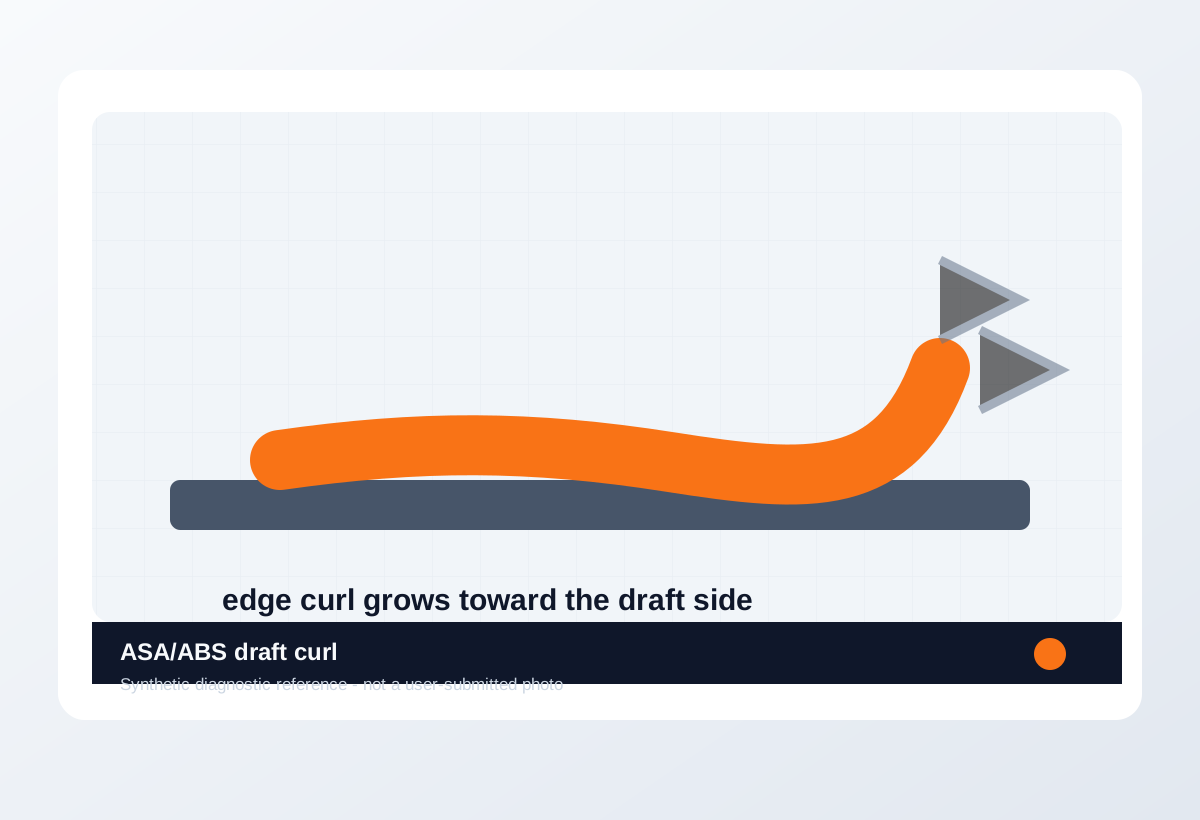
- Large flat parts, ASA/ABS, drafts, or dirty plates make it worse.
- Gaps in the very first line are a first-layer issue.
- Spaghetti after the part detaches is the result, not the root cause.
- PETG welded too hard to PEI is over-adhesion, not warping.
- Dirty plate first-layer failure
- Poor Z squish
- Large flat geometry stress
- ASA/ABS draft cooling
- PETG over-adhesion or release damage
- Which corner lifted first.
- Whether the brim failed too.
- Whether first-layer lines were connected before lift.
- Whether the part is broad/flat or printed near a draft.
- Chamber temperature
- Actual bed surface temperature
- Whether the plate was clean
- Whether the model geometry needs design changes
Trust visual library
Use the image type, not just the picture.
Real references, look-alikes, material context, and synthetic diagnostic examples are separated so they do not overclaim what a photo can prove.
Real reference


.jpg?width=1280)
.jpg)
Synthetic diagnostic reference
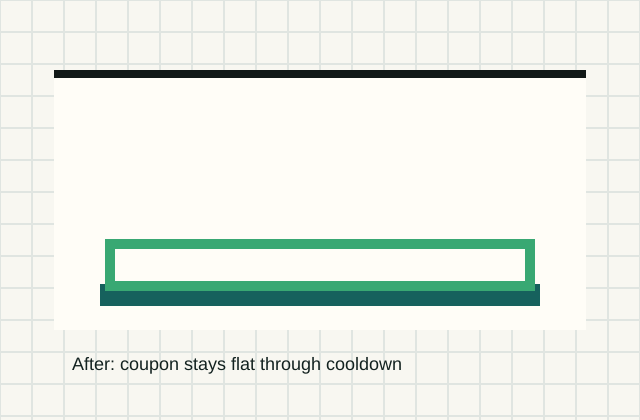
Before / after
Compare one small test, not a whole print.
Use the same small test before and after the change so the comparison means something.
Download a quick test
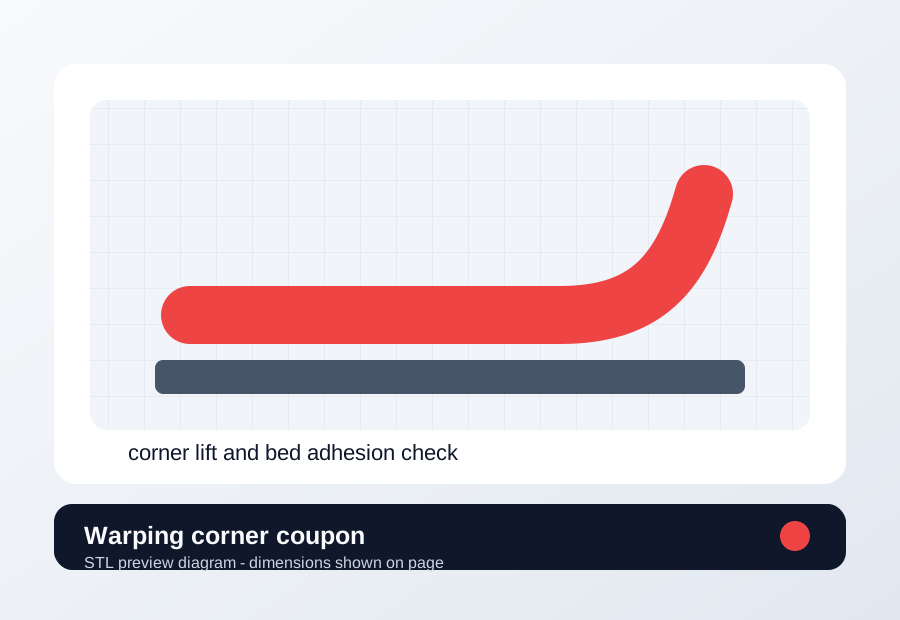
Warping corner coupon
Test plate cleaning, bed temperature, brim, chamber, and cooling changes on one corner coupon.
- File
- STL
- Typical time
- 12-20 min
- Material
- Use the material that warped; PLA only for baseline bed adhesion.
- Dimensions
- 70 x 70 x 4 mm.
- Footprint
- 70 x 70 mm
- Height
- 4 mm
- Layer height
- 0.20 mm baseline; keep first-layer height unchanged.
- Infill
- 15-20%; keep unchanged between runs.
- Walls
- 2-3 walls.
- Supports
- Off.
- Speed
- Use your normal first-layer speed; do not add brim until the no-brim signal is clear.
- Same plate cleaning method
- Same material and drying state
- Same bed location
- Same fan unless testing fan
- Same brim unless testing brim
- Keep the same first-layer speed and Z offset.
- Use the same bed cleaning method for before/after.
- Do not add brim until the no-brim signal is clear.
Recommended Checks
0/4 doneVerification
- The corner test remains attached during printing and after the bed cools.
- The first layer has continuous lines with no loose strands, scraping, or elephant-foot crushing.
- The same part no longer curls in the same corner or edge.
Field guide
Follow the branch that matches your print
Corner lifts before the first layer finishes
- Likely cause
- Dirty plate or poor first-layer contact.
- First test
- Clean plate and print first-layer patch before a warp coupon.
- Change only this
- Plate cleaning or Z offset only.
- Verify with
- Patch lines stick evenly at the lifted corner.
- Stop when
- First layer stays down without brim.
First layer looks good but corner curls after several layers
- Likely cause
- Cooling stress is pulling the part upward.
- First test
- Print warping corner coupon with current bed/fan settings.
- Change only this
- Bed temp or early fan strategy.
- Verify with
- Coupon corner remains flat through cooldown.
- Stop when
- More heat creates elephant foot or soft edges.
Large flat part lifts while small coupon is fine
- Likely cause
- Geometry stress and contact area are the problem.
- First test
- Print the corner coupon plus a small section of the real part.
- Change only this
- Brim/geometry orientation after root checks pass.
- Verify with
- Same geometry section stays down.
- Stop when
- Brim holds without hiding bad Z.
ASA/ABS curls or cracks near drafts
- Likely cause
- Chamber/draft control is insufficient.
- First test
- Preheat/shield drafts and print the coupon with low early fan.
- Change only this
- Draft shielding or early fan, not slicer flow.
- Verify with
- Coupon stays flat and layers do not split.
- Stop when
- Chamber strategy works twice on the same coupon.
PETG sticks too hard or damages PEI while edges distort
- Likely cause
- Over-squish or wrong release surface is creating PETG plate risk.
- First test
- Print PETG patch with less squish on recommended surface.
- Change only this
- Z squish or plate/release guidance.
- Verify with
- Part stays down and releases after cooling.
- Stop when
- Release is clean without torn coating.
Concrete Parameter Range
| Setting | Start | Range | Change when | Stop when | Too far looks like |
|---|---|---|---|---|---|
| Bed temperature | Material profile | PLA 55-65 C, PETG 70-85 C, ASA/ABS 90-110 C | Coupon lifts after first-layer contact is correct | Coupon stays flat through cooldown | Too hot creates elephant foot, soft bottom edges, or PETG over-adhesion. |
| First-layer Z | Known-good first layer | 0.02 mm steps only | Lift begins during first layer | Lines touch without ridges | Too low plows ridges; too high leaves loose round lines. |
| First-layer speed | 20-30 mm/s | 15-35 mm/s | Edges peel before layer two | First layer wets surface cleanly | Too slow overheats details; too fast reduces adhesion. |
| Part cooling fan | Profile default | PLA normal after early layers; PETG reduced; ASA/ABS low/off early | Corners curl as upper layers cool | Corners stay down without sagging details | Too little cooling can sag bridges or soften small features. |
| Brim width | 0 mm until cleaning/Z are proven | 3-8 mm for hard geometry | Clean plate, Z, bed temp are proven and large geometry still lifts | Brim holds without peeling itself | Huge brims waste time and hide the real first-layer problem. |
Material / Machine Differences
Wrong Turns
Stop tuning when
Do not keep chasing perfection after the signal is clear.
- The corner coupon stays flat through printing and cooldown.
- The part only lifts on geometry with sharp stress points after coupon passes.
- More bed heat causes elephant foot or release problems.
- Brim solves the specific geometry after surface/Z checks are proven.
Common setups
Jump to the branch that matches your machine or material
Copy before changing more settings
Warping diagnostic brief
Fill this out after the first test so the next branch is based on evidence, not memory. The useful case is the one where only one variable changed.
Printer:
Slicer:
Firmware:
Material:
Nozzle size/material:
Bed surface:
Exact symptom:
Recent change:
First test run:
One change tested:
Result:
Next branch:Still not matching?
Jump to the next likely diagnosis
Problem Pattern
Warping starts where shrink stress beats bed grip: corners, long edges, and wide flat parts. PLA usually points to plate prep or Z. ASA and ABS also need draft control.
Likely Causes
- Finger oils, dust, glue residue, or incompatible release agent on the build plate.
- First layer is too high, too fast, or not hot enough to wet the surface.
- Part geometry has sharp corners, large flat areas, or thin long edges that shrink upward.
- Drafts, high cooling, or no enclosure for materials that shrink more, such as ASA or ABS.
Print Context
- Applies to
- PLA, PETG, ASA, ABS, PEI build plates, glass beds
- Best first move
- Clean the plate and verify the first layer before changing brim or infill.
- Do not start with
- A new build plate when the current plate has not been washed and tested.
After the test
Use the result, do not keep changing random settings.
If one check clearly changes the print, repeat that exact test once before moving on. If nothing changes, switch diagnosis instead of stacking more slicer edits.
Only after the evidence points here
Parts and supplies for the proven branch
Plate cleaning and release kit
Wash the plate, print the same first-layer patch in two bed areas, then compare release and line shape.
- Buy signal
- The failure follows a scratched, polished, contaminated, or PETG-sensitive surface after Z offset is already sane.
- Skip if
- The same patch fails in every area before cleaning or Z offset is verified.
- Save evidence
- Bottom photo, plate-area photo, material, bed temperature, and whether the patch moved with the plate area.
Clean first, then replace or add release only if the failure follows the plate surface.
- PEI-safe cleaner or dish soap workflow
- Release layer only for PETG-risk surfaces
- Replacement sheet that matches your printer size and magnet system
- A new plate for a dirty plate
- Release agent for PLA that already will not stick
Filament dryer or dry box
Print the same small stringing or surface test before and after a controlled dry cycle, without changing slicer values.
- Buy signal
- Popping, steam marks, rough surface, weak layers, or fine hairing improves on the same spool after drying.
- Skip if
- The spool prints clean after a simple temperature step or seam move.
- Save evidence
- Before/after photo, material, drying temperature/time, room humidity if known, and unchanged slicer settings.
Drying is a purchase only when moisture signs survive one controlled slicer change.
- Adjustable temperature
- Fan circulation
- Spool clearance for the material you use
- Print-while-drying path if TPU/PETG stays loaded
- Passive storage box for a spool that is already wet
- A dryer purchase when a 5 C temperature step fixed the stringing
Print Fixes may earn from qualifying purchases when commerce links are configured. Diagnostic steps stay independent: buy only when the failure evidence points to the part.
Warnings
- Do not use PETG on delicate smooth PEI without checking release guidance; it can bond too strongly.
- Enclosures and high bed temperatures can stress electronics not designed for heat.
- Glue can be a release layer as much as an adhesive; use it intentionally for the surface and material.
- A print that clearly shows warping, especially if the same failure repeats.
- You want one next move instead of five profile edits.
- The printer is showing a firmware, heater, or electrical safety warning.
- You are copying numbers from a different printer as final values.
More traps to avoid
- Changing several slicer settings at once and losing the actual cause.
- Ignoring filament condition or bed cleanliness while tuning advanced values.
- Keeping one global profile for different materials, brands, colors, and nozzle sizes.
Bench Note
Page: 3D Print Warping Fix
Printer / firmware:
Slicer profile:
Filament brand and material:
Nozzle size:
Bed surface:
Recent changes:
First check run:
One change tested:
Result:
FAQ
Should I add a brim immediately?
A brim can help geometry, but clean plate and first-layer setup should come first because they fix the root adhesion problem.
Why does only one corner lift?
That corner may see a draft, poor bed contact, uneven plate contamination, or a geometry stress point.
When is an enclosure worth it?
Consider an enclosure when ASA or ABS parts curl even after plate prep, correct first layer, and draft control.