Firmware stop
Klipper Bed Mesh Not Applied
Klipper Bed Mesh Not Applied is a log-first troubleshooting path. Match the exact error text, run one safe idle or motion check, and change only the subsystem named by the evidence.
Independent third-party notes. Verify firmware, heater, electrical, and vendor-specific work against official documentation for your exact printer.
Quick Readout
Klipper Bed Mesh Not Applied is a log-first troubleshooting path. Match the exact error text, run one safe idle or motion check, and change only the subsystem named by the evidence.
Pick what you see
Pick the Klipper Bed Mesh Not Applied branch
Choose the visible evidence or log clue that matches first. The card below keeps the next move to one test and one variable.
Klipper shows a specific Klipper Bed Mesh Not Applied message or repeats one exact line in klippy.log.
- Likely cause
- The subsystem named by the earliest matching log line.
- First test
- Save 60 seconds before and 30 seconds after the timestamp.
- Change only this
- Change no firmware setting until the same line is classified.
- Parameter range
- 10-15 minutes with log capture
- Stop when
- The same safe test passes twice with clean logs.
- Verify with
- Log snippet + safe idle or motion repeat.
Exact error lookup
Paste the Klipper message into the matching branch first.
| Error text | Likely subsystem | First evidence | Do not do | Safe verification |
|---|---|---|---|---|
| Lost communication with MCU | USB/CAN/power link | First disconnect line and MCU name | Do not reflash every board first | 10 minute idle link test, then one motion test |
| Timer too close | Host timing or motion load | Timestamp, host load, recent macros, and motion context | Do not copy random timer or scheduling settings | Repeat the same section with one load variable changed |
| Heater not heating at expected rate | Heater/sensor/power path | Heater graph, config pin, wiring, and exact heater name | Do not bypass heater safety | Controlled low-risk heat test after inspection |
| ADC out of range | Thermistor or sensor wiring | Sensor name, temperature reading, connector state | Do not keep heating | Cold reading check and inspected wiring before heat |
| Config error after printer.cfg edit | Config syntax or pin mapping | Last changed config block and error line | Do not edit multiple blocks at once | Rollback one block and restart/check config |
Pick the exact path
Most failed fixes go wrong when they start from the wrong branch.
Use this when the failure appears on Klipper bed mesh or the closest matching setup.
- First test
- Save 60 seconds before and 30 seconds after the timestamp.
- Change only this
- Change no firmware setting until the same line is classified.
- Stop when
- The repeat test clearly improves or points to a different branch.
Use this if the symptom started after a nozzle, spool, plate, slicer, firmware, or maintenance change.
- First test
- Restore the last known-good context or isolate only the recent change with one small repeat test.
- Change only this
- Undo or isolate the recent change; do not retune the whole profile.
- Stop when
- The repeat test clearly improves or points to a different branch.
Use this when the first proof test looks the same after one safe variable change.
- First test
- Repeat the same test once to rule out a bad slice or one-off print.
- Change only this
- Switch branch instead of stacking another setting.
- Stop when
- The repeat test clearly improves or points to a different branch.
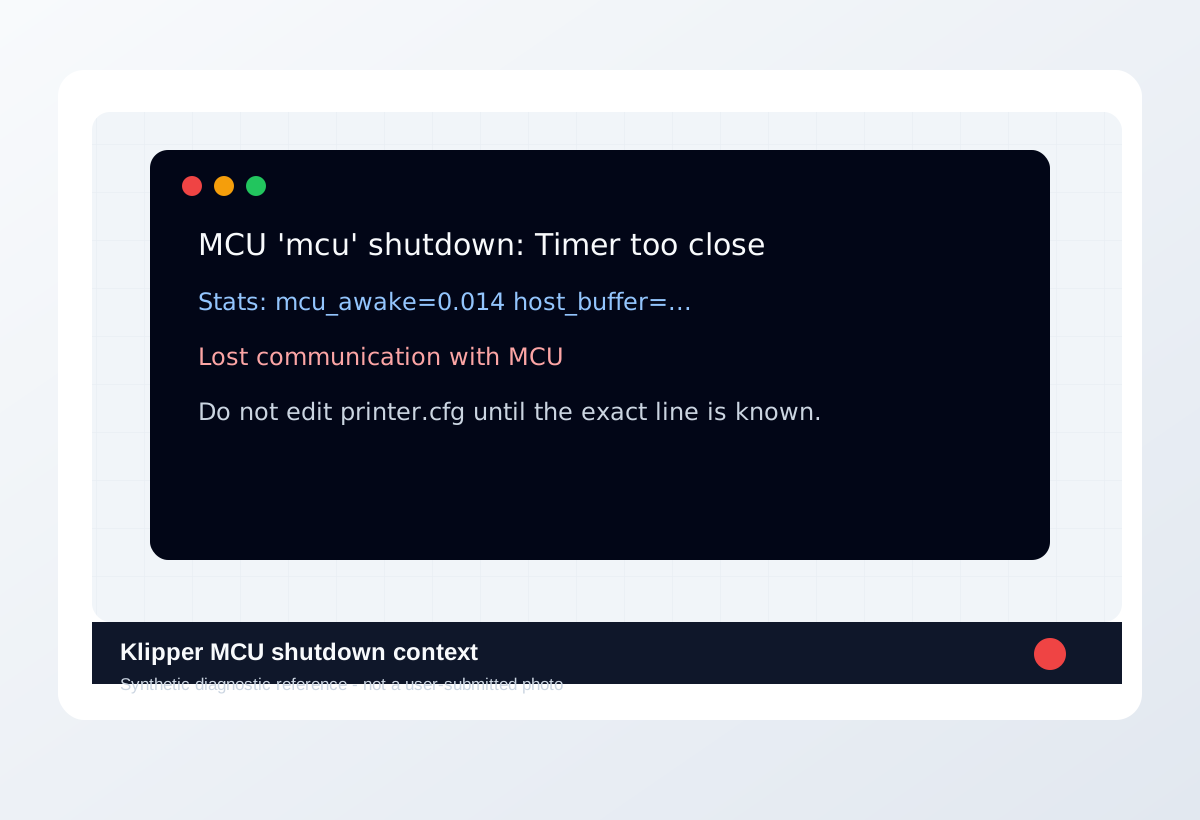
Visual diagnosis
Match the visible pattern before changing settings.
Synthetic diagnostic reference or structured visual guide; confirm with the page test before treating it as proof.
- Klipper Bed Mesh Not Applied repeats on the same printer, material, or print condition.
- The visible pattern changes when one branch variable changes.
- The symptom can be reproduced with a small test instead of a full model.
- Disabling Klipper safety checks to finish a print.
- Pasting config snippets before reading the exact log line.
- Treating heater, thermistor, or power errors as harmless warnings.
- Later log lines that are not the first fault
- A visible print defect with no matching log
- Config guesses copied from another printer
- Where the defect starts and whether it repeats at the same location.
- Whether the texture is smooth, rough, lifted, thin, blobby, or shifted.
- What changed recently: material, nozzle, plate, firmware, slicer, or printer maintenance.
- The exact slicer value that caused it.
- Whether the spool is dry, the nozzle is worn, or the config is correct.
- That a purchase is needed before the same small test is repeated.
Original visual references
Synthetic examples for fast pattern matching.
These are Print Fixes synthetic diagnostic references, not user-submitted photos. Use them to compare shape and location, then confirm with the test or log evidence on this page.
Recommended Checks
0/4 doneVerification
- Repeat the same test model or the same problem area after the change.
- Compare before and after photos, print time, surface quality, and failure location.
- Keep the previous profile until the new value passes at least two similar prints.
- For firmware or heater-related issues, confirm logs stay clean after a safe heat or motion test.
Field guide
Follow the branch that matches your print
Klipper shows a specific Klipper Bed Mesh Not Applied message or repeats one exact line in klippy.log.
- Likely cause
- The subsystem named by the earliest matching log line.
- First test
- Save 60 seconds before and 30 seconds after the timestamp.
- Change only this
- Change no firmware setting until the same line is classified.
- Verify with
- Log snippet + safe idle or motion repeat.
- Stop when
- The same safe test passes twice with clean logs.
The printer disconnects while idle or during heat soak before motion starts.
- Likely cause
- Power, USB/CAN link, host stability, or firmware identity.
- First test
- Run a 10 minute idle connection test with no print.
- Change only this
- Change only cable/port/power path or host load for one repeat.
- Verify with
- Idle log comparison.
- Stop when
- No disconnect appears in two idle repeats.
The error appears near fast motion, toolhead cable movement, or a repeated print height.
- Likely cause
- Cable strain, CAN link, host timing, or motion load.
- First test
- Run a short safe motion section without a full print.
- Change only this
- Change only cable strain relief, route, acceleration, or host load.
- Verify with
- Same motion repeat with klippy.log.
- Stop when
- The error no longer follows that motion path.
The failure started immediately after printer.cfg, macro, firmware, or UUID changes.
- Likely cause
- Config syntax, pin mapping, UUID mismatch, or unsafe copied snippet.
- First test
- Diff the last known-good config against the current one.
- Change only this
- Revert or isolate one config block only.
- Verify with
- Restart + config check + safe home/idle test.
- Stop when
- The exact message disappears after one config rollback.
The log includes heater, ADC, thermistor, or temperature language.
- Likely cause
- Sensor/heater wiring, config, or safety fault.
- First test
- Stop printing and inspect the exact heater/sensor row first.
- Change only this
- Do not bypass safety limits; change only the proven wiring/config item.
- Verify with
- Controlled low-risk heat test after inspection.
- Stop when
- Temperature rises normally and log stays clean.
Concrete Parameter Range
| Setting | Start | Range | Change when | Stop when | Too far looks like |
|---|---|---|---|---|---|
| Idle connection test | No print | 10-15 minutes with log capture | Disconnect occurs before motion or heat | Clean log after two repeats | Treating one clean idle as print-safe |
| Safe motion test | Short controlled move | Repeat same path, no full print first | Error follows motion/cable position | Same motion passes twice | Testing heat, motion, macros, and print load together |
| Host load | Current host services | Disable one load source for proof | Timer or communication error appears under load | Log stays clean with one load variable changed | Buying host hardware before log evidence |
| Config rollback | Last known-good config | One block at a time | Error began after edit/flash/UUID change | Config check and safe test pass | Copying snippets across printers |
Material / Machine Differences
Wrong Turns
Stop tuning when
Do not keep chasing perfection after the signal is clear.
- The same small test improves after one documented change.
- The symptom turns into a different failure family; switch branches instead of stacking edits.
- A safety, heater, wiring, or firmware warning appears; stop printing and use the safe diagnostic path.
Common setups
Jump to the branch that matches your machine or material
Copy before changing more settings
Klipper Bed Mesh Not Applied diagnostic brief
Fill this out after the first test so the next branch is based on evidence, not memory. The useful case is the one where only one variable changed.
Page: Klipper Bed Mesh Not Applied
Printer:
Slicer:
Firmware:
Material / brand / color:
Nozzle size / material:
Bed surface:
Exact symptom or error text:
Recent change:
First test run:
One variable changed:
Result:
Next branch:Still not matching?
Jump to the next likely diagnosis
Problem Pattern
Klipper Bed Mesh Not Applied is useful when the printer stopped because Klipper detected a condition it cannot safely ignore. The log should decide the subsystem before any config edit.
Likely Causes
- Recent printer.cfg edits changed pins, sensors, kinematics, limits, or macros.
- Host load, USB/CAN communication, or MCU timing became unstable.
- Heater, thermistor, probe, endstop, or power wiring triggered a safety stop.
- A copied config section does not match the actual printer hardware.
Print Context
- Page type
- Klipper diagnostic
- Best first move
- Reproduce the issue on a small test, then change one variable.
After the test
Use the result, do not keep changing random settings.
If one check clearly changes the print, repeat that exact test once before moving on. If nothing changes, switch diagnosis instead of stacking more slicer edits.
Warnings
- Do not bypass Klipper safety limits to finish a print.
- Treat heater, thermistor, and power errors as safety-relevant.
- Config snippets from another printer can be dangerous when hardware differs.
- A printer stopped by Klipper with a specific console error or log entry.
- Separating config mistakes from wiring, heater, MCU, or host-load problems.
- Disabling Klipper safety checks to finish a print.
- Pasting config snippets before reading the exact log line.
More traps to avoid
- Changing several slicer settings at once and losing the actual cause.
- Ignoring filament condition or bed cleanliness while tuning advanced values.
- Keeping one global profile for different materials, brands, colors, and nozzle sizes.
Bench Note
Page: Klipper Bed Mesh Not Applied
Printer / firmware:
Slicer profile:
Filament brand and material:
Nozzle size:
Bed surface:
Recent changes:
Result to compare next:
FAQ
What should I save before fixing Klipper Bed Mesh Not Applied?
Save the exact console error, timestamp, klippy.log section, recent printer.cfg changes, and what the printer was doing when it stopped.
Should I restart before checking logs?
Avoid losing context. Capture the message and log first, then restart only what the official troubleshooting path requires.
When is it hardware?
When logs and safe tests repeatedly point to communication, power, wiring, thermistor, heater, MCU, or toolboard behavior.